Your app demo, directed.
Drop in a screen recording. Zoomcut finds every tap, flies the camera to wherever your finger lands, and sets your app in a real iPhone on a backdrop that makes it shine.
Free for iPhone.
No account needed.
Drop in a screen recording.
Record any app with iPhone’s screen recorder, up to ten minutes. Pick it in Zoomcut and that’s your whole setup.
It finds every tap.
Frame by frame, right on your iPhone: every press, scroll, screen change and bit of typing. No touch indicators needed.
The camera follows your finger.
Each tap gets its close-up, framed so you see the button and what it does. On the timeline you can add, move or remove any tap.
A backdrop for every mood.
Glowing meshes, gradients, wallpapers and free photos. One tap changes the whole demo.
You pick how it moves.
Calm and gentle, balanced, or quick and punchy. Zoom anywhere from 1.2× to 3×, and hold each tap as long as you like.
Real iPhones. Always 9:41.
Set your demo in one of 13 real iPhone frames, in their real colours, and paint a perfect status bar over the recording. Pro
Export for every feed.
Tall, square or wide, up to 4K at 60 fps, rendered on your iPhone. Straight to Photos, ready to post.
Made for people who ship.
An afternoon of keyframes, gone.
Making a good app demo by hand means scrubbing to every tap and animating every zoom yourself. Zoomcut does the directing, so you get back to building.
In a video editor
- Import the recording into a timeline
- Scrub to every tap, one at a time
- Set a zoom in and a zoom out for each, then ease them
- Cover the messy status bar by hand
- Find an iPhone mockup and fit the video into it
- Re-cut the whole thing for every format
In Zoomcut
- Pick the recording. Taps are found and the camera is planned for you.
- Adjust anything, if you want. Every tap sits on a timeline you can touch.
- Pick a look. Backdrop, real iPhone frame and a clean 9:41 status bar, one tap each.
- Export any shape. Tall, square or wide from the same project.
- Recordings up to
- 10 min
- Zoom on taps
- 1.2× – 3×
- Real iPhone frames
- 13
- Export up to
- 4K · 60 fps
- Data sent to a server
- None
For whoever ships the app.
Indie developers
App Store previews, launch posts and release notes that show the new feature working, not described.
App Store · X · Product HuntProduct designers
Walk a reviewer through a flow without booking a call. Record the prototype on your phone, send the demo.
Reviews · PortfoliosFounders and marketers
Launch and update clips in every shape each feed wants, from one recording, in your brand’s backdrop.
Reels · TikTok · LinkedInSupport and docs teams
Short how-to clips where the camera points at exactly the button people need to tap.
Help centres · Onboarding
Your recordings never leave your iPhone.
- No account
- No analytics, no tracking
- Analysed and rendered on device
Free to make. Pro to polish.
Every editing tool is free, with unlimited exports. Pro is for when the demo goes somewhere that matters.
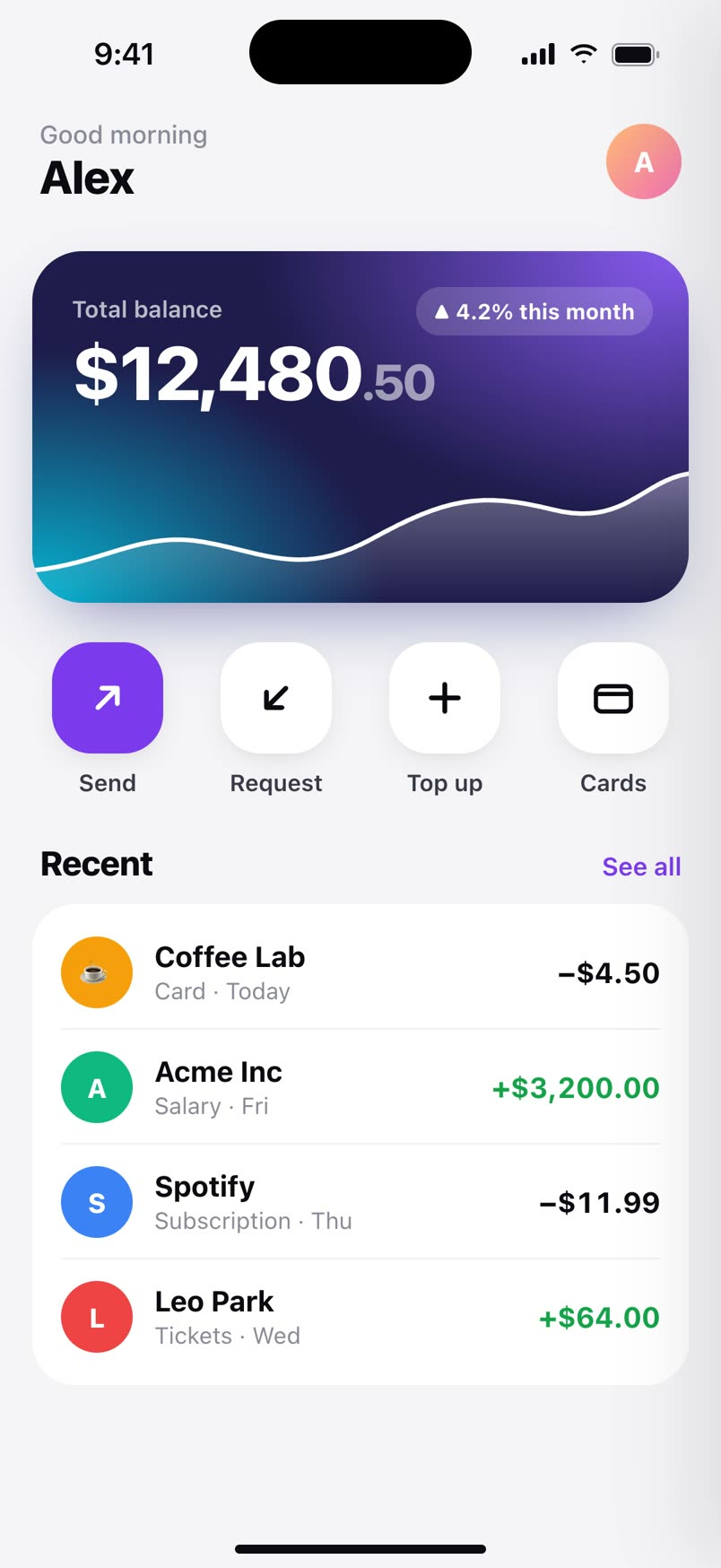
Drag to compare the same demo, exported free and with Pro.
| Feature | Free | Pro |
|---|---|---|
| Resolution | 720p | 1080p and 4K |
| Badge | “Made with Zoomcut” | None |
| Status bar | As recorded | Clean 9:41 |
| Frame | Generic | 13 real iPhones |
| Backdrops | Mesh, gradient, solid | + patterns, your photos |
Free
Always, no trial clock.
- Unlimited exports in 720pWith a small “Made with Zoomcut” badge.
- Auto zoom and every editing toolTimeline, camera speed, zoom, trim.
- Backdrops, wallpapers and free photosMesh, gradient and solid collections.
Zoomcut Pro
Monthly, yearly or a one-time unlock. Pricing announced at launch. Terms of Use
- 1080p and 4KSharp video for every platform.
- No badgeExports without “Made with Zoomcut”.
- Clean status bar9:41, full signal and battery, no recording pill.
- Real iPhone frames13 models, from iPhone 15 to the foldable Duo.
- Your own photosAny picture from your library as the backdrop.
- Ripple stylesRing or soft, any colour, any size.
- Pattern collection9 more backdrops.
Where Zoomcut is going.
Version 1.0 is the start. Here’s what’s out, what’s next and what’s being explored. Plans can change, and what you ask for moves things up.
Out now · 1.0
- Auto zoom on every tap
- Studio timeline: add, move, remove taps
- Camera speed and zoom control
- Mesh, gradient and solid backdrops, wallpapers, free photos
- 9:16, 1:1 and 16:9 at 30 or 60 fps
- Everything on device, no account
Next
- Zoomcut Pro on the App Store. 1080p and 4K, no badge, clean status bar, real iPhone frames, your own photos.
- Project backup. Keep your demos when you move to a new iPhone.
Exploring
- Text captions and callouts on top of a demo
- More backdrop and wallpaper collections
- Your idea here
Good questions.
Is Zoomcut free?
Yes. Every editing tool is free, with unlimited 720p exports that carry a small “Made with Zoomcut” badge. Pro adds 1080p and 4K, removes the badge and unlocks the clean status bar, real iPhone frames, your own photos and ripple styles.
Do I have to tap slowly when I record?
No. Use your app normally. A short pause between taps helps each one stand out, and you can add or move any tap on the timeline afterwards.
Does it upload my recordings?
No. There’s no account and no server. Taps are found and videos are rendered on your iPhone, and nothing leaves it until you save or share.
How long can a recording be?
Up to 10 minutes. Longer clips can be trimmed in Photos first.
More answers on the support page.
Record tonight. Post tomorrow.
Zoomcut is on its way to the App Store. Check back soon.